WhatsApp translation
WhatsApp translation that works by itself.
Every message and voice note your customers send is translated into your language. Every reply you write is translated into theirs. It works even when your customer doesn't use Spun.
- Keep your number
- No WhatsApp Business API
- 100+ languages
- Voice notes included
No credit card required.See how it works
Watch it work: messages and voice notes, both ways, in 80 seconds.
Does WhatsApp translate messages?
Only a little. On some phones WhatsApp now offers a Translate option on a single message at a time, for a limited set of languages, after a language pack is downloaded to the phone. It does not translate voice notes, it does not translate what you write back, and it does nothing for a team that shares one number.
Spun adds automatic translation to the WhatsApp number you already use. Every incoming message shows a translation underneath, every voice note is transcribed and translated, and your replies are translated before they are sent. You set it once per chat, and it keeps working for every message after that.
Selling to people who write in another language?
Customers write in a language you don't speak?
Every message shows a translation underneath, in your language.
Voice notes you can't understand?
Each one is transcribed, translated, and can be played back in your language.
Typing every reply into a translator?
Write in your language. Spun sends it in theirs, after you check it.
How it works
Three settings on a chat. Then it runs by itself.
Real recordings from Spun. Each step is one setting in the chat's language panel.
They write in Spanish. You read English.
Spun detects the customer's language from their messages and shows it in the chat header. Pick the language you want to read, and from then on every message shows a translation underneath. The original stays one tap away.
 SpunTranslate messages to English
You type English. They receive Spanish.
Set the chat's sending language once. Type in your own language, preview the translation above the message box, change a word if you want, and send. The customer reads their language and never knows you wrote in yours.
SpunTranslate my message to SpanishVoice notes: transcribed, translated, played back in your language.
A voice note arrives, its transcript appears under the player, and a translated version is offered, as text and as audio you can listen to. Transcription runs on the server, so it is ready even when you were away.
SpunHear voice notes in your language
Full walkthrough
Every setting, step by step
Six minutes through the chat's language panel: the messages you send, the messages you receive, and voice notes both ways.
Stop copying messages into a translator.
Set the languages once, free for 7 days.
No credit card required.
What you get, in plain words
Read everything in your language
Text and voice notes, translated automatically, with the original a tap away.
Reply in their language
Type as usual. Spun translates before sending and shows you the result first.
Speak and be understood
Record a voice note in your language. The customer can receive it in theirs.
Works for your whole team
One shared number. Each teammate reads and writes in their own language.
100+ languages, including the ones your customers actually use
Translation and voice transcription cover the major world languages and 22 Indian languages. A few of them:
- English
- Spanish
- Portuguese
- French
- German
- Italian
- Arabic
- Hebrew
- Russian
- Turkish
- Hindi
- Tamil
- Telugu
- Marathi
- Bengali
- Gujarati
- Chinese
- Japanese
- Korean
- Indonesian
- Thai
- Vietnamese
- Polish
- Dutch
- Greek
- + many more
You decide what gets translated
Per chat, not all or nothing
Turn translation on for the chats that need it and leave the rest alone. Each chat remembers its own languages.
Send as typed, any time
A switch above the message box sends your words exactly as written when you want to.
Private data stays private
PII redaction can strip names, phone numbers and financial data before any text reaches the translation service, or translation can be switched off entirely.
Nothing changes for the customer
They keep writing to the same number in the same app. The translation happens on your side.
Guides: How to translate WhatsApp messages: every method, from the built-in option to automatic translation · How to transcribe and translate WhatsApp voice notes
Meet the rest of Spun.
The WhatsApp you know, with the business tools you need.
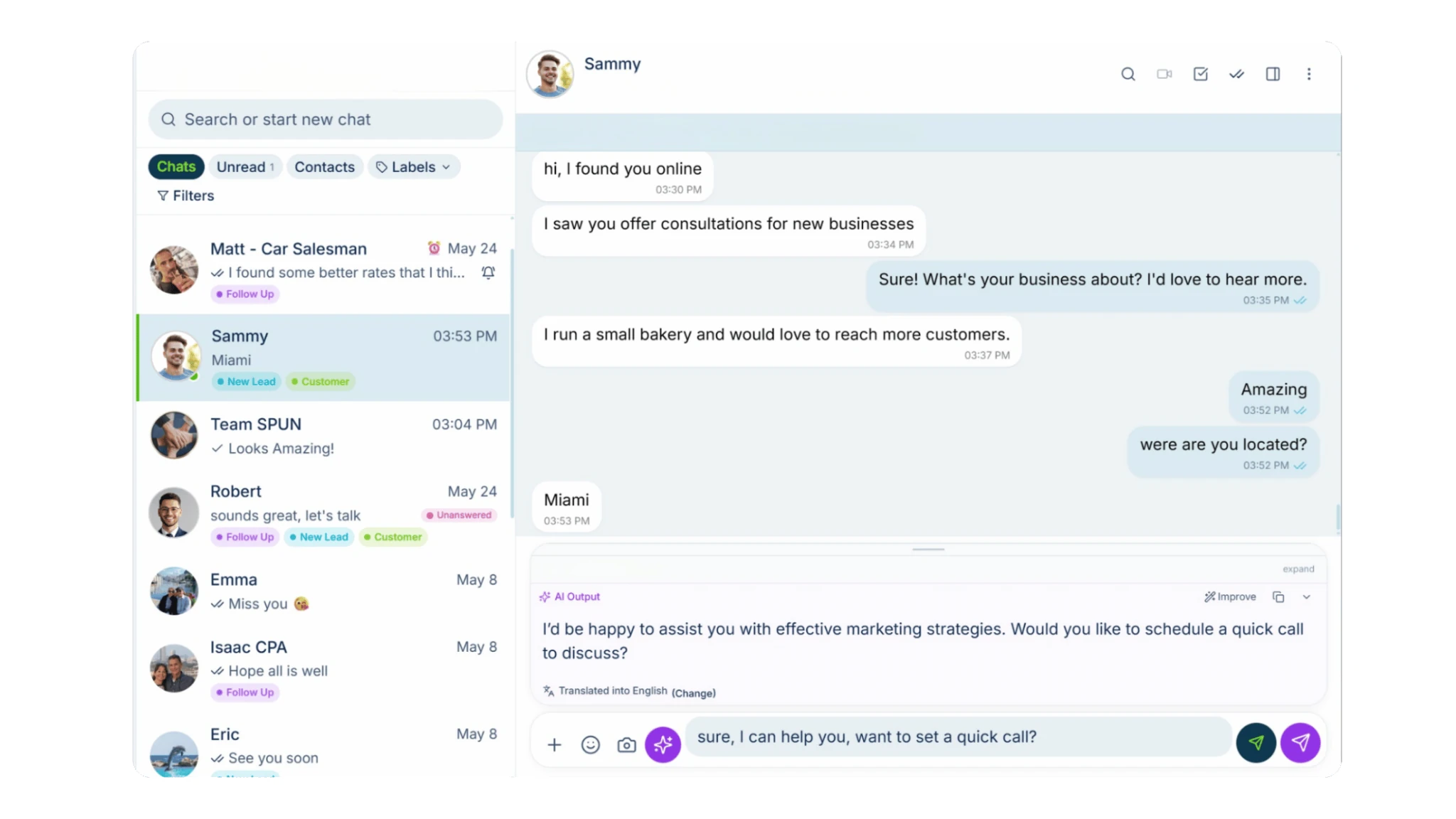
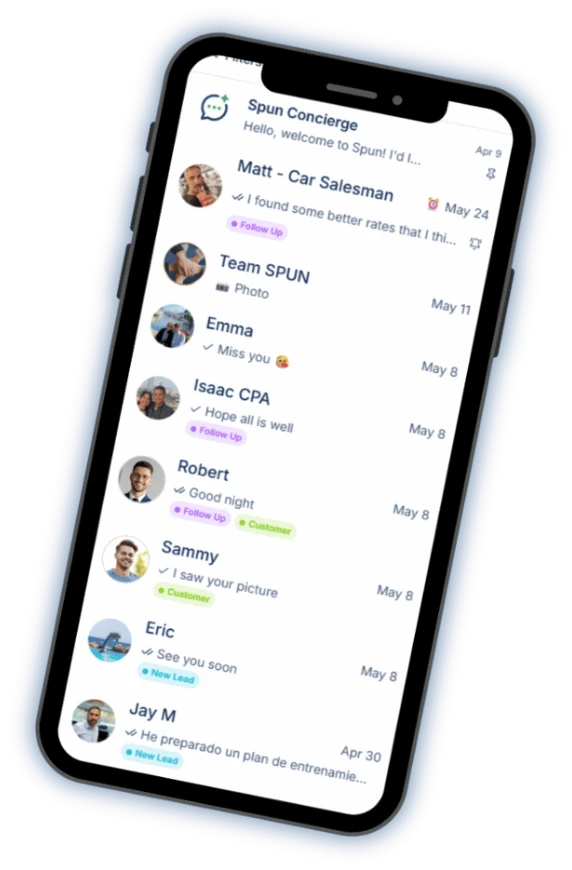

Your smart AI agent
Ask questions about your WhatsApp, analyze conversations and get help using Spun.

AI that helps you reply
Turn a short instruction into a polished reply, informed by your company’s knowledge base. Catch up on any chat with an AI summary.

Automation & bots
Easily build automations, set up bots to answer your messages and organize conversations with AI Auto-Labeling.

Productivity tools
Manage tasks, track sales in your pipeline, add notes and alarms, sync with Google Calendar, respond faster with quick replies and schedule messages.
See the CRM for WhatsApp
Keep in Touch
Know who’s gone quiet. See the customers and leads you haven’t spoken to recently, and follow up from one window without opening every chat.

Spun MCP
Connect your AI assistants to Spun through MCP. Then ask them to find information, analyze conversations and take action in your WhatsApp.
See Spun MCP
Team Share
Share your WhatsApp with your team. Choose exactly what each person can see and do.
Unlimited teammates. $0 per seat.
See Team Share
All of this on the number you already use.
Every tool is free for 7 days.
No credit card required.
Questions
Talk to every customer in their language.
On the WhatsApp number you already have.
No credit card required.
WhatsApp is a trademark of WhatsApp LLC. Spun is not affiliated with, endorsed by, or sponsored by WhatsApp LLC or Meta Platforms, Inc.